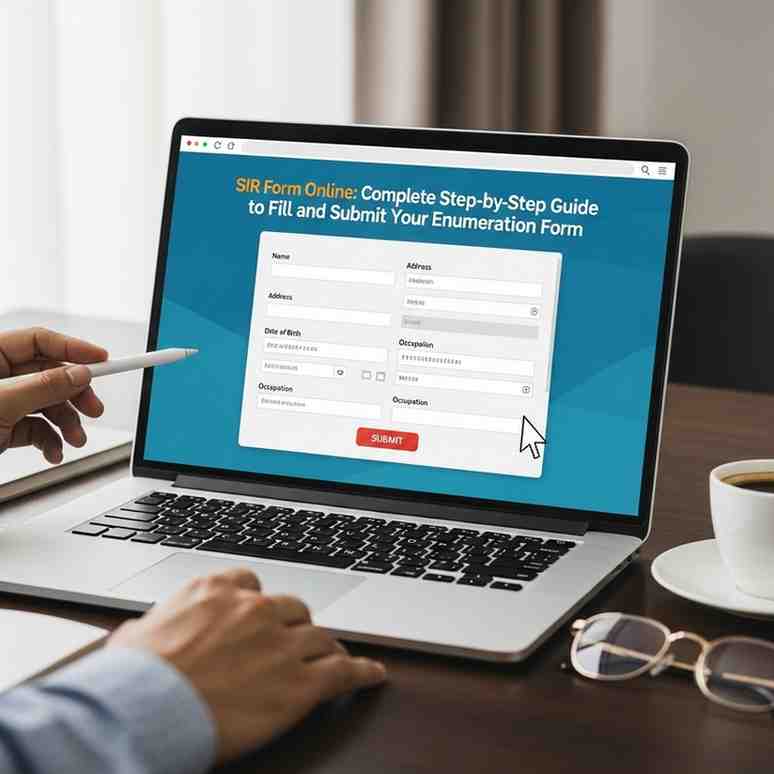
The Special Intensive Revision (SIR) enumeration is the Election Commission of India’s process for updating electoral rolls. The Commission now lets electors complete the SIR enumeration form entirely online — no downloading, printing or visiting an office required. Below is a simple, step-by-step guide to fill and submit your form, plus how to check its status and a few helpful tips.
Quick overview
-
Where to apply: voters.eci.gov.in (or via the ECINET app / Chief Electoral Officer portal for your state).
-
Must-have: your EPIC (Electors Photo Identity Card) number and a mobile number linked to that EPIC.
-
How it’s submitted: after filling the online form you complete the process with an Aadhaar-based e-sign .
-
Why the mobile link: the ECI requires EPIC ↔ mobile linkage for secure login, OTPs, and e-sign verification.
Step-by-step: Fill & submit the SIR enumeration form online
-
Open the portal
Visit: voters.eci.gov.in . From the homepage select “Fill Enumeration Form” under Services.
-
Log in / register with your mobile number
-
If you are new, click Sign Up , enter your mobile number (and optionally an email), solve the captcha and register.
-
To log in, request an OTP and enter it to access the form area.
-
Enter EPIC and fetch your record
-
Choose your state and enter your 10-digit EPIC (voter ID) number.
-
The portal will display the electoral data currently on record — review this carefully.
-
If your mobile is not linked to EPIC, link it first
-
Linking can be done instantly through Form-8 on the portal: select “Correction of Entries in Existing Electoral Roll” and then the “Mobile Number” option under Form-8.
-
After linking, log in again and continue.
-
Complete the enumeration form
-
Provide the required details and any SIR-specific information requested (household count, corrections, additions, etc.).
-
Make sure your name on EPIC matches your Aadhaar if you intend to use Aadhaar e-sign.
-
Submit via Aadhaar-based e-sign
-
Follow the instructions to authenticate the e-sign using your Aadhaar OTP.
-
Once e-signed, your form is considered submitted to the Booth Level Officer (BLO) / ECI.
Month: Current Affairs - November 23, 2025
Category: